
Closet guides
How to Choose a Wardrobe App for the Way You Get Dressed
By OutfitMuse ·
Choose a wardrobe app by the task you want to finish: finding your clothes, putting outfits together, getting styling suggestions, or previewing a look. Before uploading your whole closet, check what the app needs from you and whether its results help you make that decision.
A useful question is: “What would I like to be easier the next time I get dressed?” Your answer gives you a better starting point than comparing long feature lists.
This guide is written by OutfitMuse. The Indyx example uses its official product description; we have not independently tested or ranked competing apps for this article.
Compare the task, input and result
A digital closet helps you record and find clothes. An AI outfit generator suggests combinations. Virtual try-on creates an image preview of a look on a person. They answer different questions, and one app may offer more than one of them.
Start with the decision you want to make. Finding your black trousers does not require a generated image of you. Exploring ways to style a jacket does not necessarily require a complete wardrobe inventory. A preview can help you consider a look, but it cannot establish how the real clothes will fit or feel.
| Workflow and question | Typical input → useful result | What remains to check |
|---|---|---|
| Digital closet: what do I own? | Clothing photos and details → a recognizable, organized collection | Whether records are correct and current |
| Manual outfit building: which pieces would I combine? | Clothes you select → a combination you can identify and try | Whether the real clothes suit the occasion and work together |
| AI outfit generator: what could I wear with this? | An item, preferences or other supported inputs → suggested combinations | Whether you own the pieces and can wear the combination |
| Virtual try-on: how might this look on me? | A personal photo and supported clothing inputs → a generated preview | Real fit, fabric, movement, comfort and appearance |
These are general descriptions of the categories. Check an individual app's documentation for its supported inputs and features. A dedicated photo album may be enough for a visual inventory; additional tools become useful when they solve a problem the album leaves unresolved.
For example, imagine that you want to wear a blazer tomorrow. Your first task may be to find its photo, your next to explore a combination, and your final check to put on the real clothes. An app does not need to do every step to be useful, but you should know which decision each result helps you make.
If your goal is getting dressed without buying anything, continue to Ask what “using my clothes” actually means below. Then use the small-task exercise in this guide before committing time to a complete wardrobe inventory.
Check who puts the outfit together
“Outfit planning” can involve different kinds of work. You might arrange pieces yourself, receive automated suggestions, or work with another person.
For example, Indyx's website describes building outfits yourself and getting one-to-one help from a personal stylist. These are two distinct ways to get help within one product. OutfitMuse's item-styling workflow, discussed below, provides AI-generated suggestions. These descriptions explain who does the work; they do not establish which approach produces better outfits.
Decide how much input you want. If you enjoy choosing combinations, tools for arranging your own pieces may matter most. If you want help getting started, inspect an actual suggested outfit and what you can do with it. If you want a conversation with a stylist, check that the service really includes a person rather than assuming “personal stylist” means human support.
Ask what “using my clothes” actually means
An app can use a photo of your clothing without restricting the entire suggested outfit to your wardrobe. Before choosing a tool for a no-shopping goal, distinguish three things:
- The starting item: the piece you ask it to style.
- The available collection: the clothes you have added or otherwise made available to it.
- The completed suggestion: every garment, shoe, and accessory included in the result.
A result can retain your starting item and still introduce an unfamiliar coat or pair of shoes. That may be useful inspiration, but it does not meet a strict “I must be able to wear everything today” requirement.
Ask the product's help page or support team: Can I restrict every suggested piece to my own wardrobe, and how can I verify the items in the result? If that restriction matters to you, do not assume a general “style your clothes” description provides it.
Try a small task before cataloging everything
Use a handful of clothes you know well to evaluate a tool. The following is a suggested exercise, not a test we have run across the market.
- Add a small, recognizable collection. Include the piece you want to style and a few possible companions. Avoid starting with your entire closet.
- Find one item again. Leave the upload flow, return to the collection, and locate the item using the available organization tools.
- Correct one detail if needed. Check whether you can fix a category or another label you rely on. Do not deliberately introduce an error if the details are already right.
- Complete your main task. Build a combination, request a suggestion, or use a preview, depending on why you are considering the app.
- Check the real-world result. Can you identify the pieces, understand what to do next, and use the idea with your actual clothes?
For a no-shopping goal, ask whether you can recreate the outfit with your own pieces. For a styling-inspiration goal, ask whether the suggestion gives you a combination or adjustment you want to try. These are different standards; an attractive image alone does not answer either question.
If you need help preparing the first collection, follow our guide to digitizing your wardrobe.
Decide what would make the trial useful
Write down your requirement before judging the result. For example, “help me wear my blue shirt to work without buying anything” is more specific than “give me a good outfit.” It gives you something to check even if the generated picture looks appealing.
For that example, separate three possible outcomes:
- Ready to try: you can identify the shirt and every companion piece in your own wardrobe. You still need to check the real clothes for fit, comfort, and the occasion.
- Useful with a substitution: the suggestion includes an unfamiliar piece, but you have an alternative you want to try. Record what you would change; this is an adaptable idea, not a complete wardrobe-only result.
- Not enough information: you cannot identify key pieces or tell whether the result respects your requirement. Save the question for the product's documentation or support before investing more time in cataloging.
Keep a short note with the task, result, required changes, and anything unresolved. You do not need to assign every app a score. Decide whether the tool helped with your particular task and whether you would willingly repeat the process.
Consider the work after the first upload
A digital wardrobe needs to stay recognizable to be useful. When trying a tool, pay attention to ordinary corrections and retrieval, not just the appearance of the initial grid.
For example, two black tops may look almost identical in thumbnails. Would a clearer photo or an editable detail help you tell them apart? If an item appears under the wrong season, can you correct the information you use to find it? When you stop wearing a piece, is there a way to keep it from cluttering the view you use each day?
Treat those as questions to investigate. Do not assume every app offers the same editing, archiving, or filtering controls. Choose a workflow whose upkeep you are willing to do.
Check availability and photo handling before committing
Confirm that the app is available for your device and country. A website in English does not necessarily mean an international release is available.
Review the current plan information for the features you actually want. You do not need a detailed comparison of every allowance; you do need to know whether your main task requires a purchase and whether that arrangement suits you.
Before uploading personal photos, check the product's explanation of how they are processed and how you can delete them. If keeping a copy of your wardrobe elsewhere matters to you, also check whether export is available. A cloud account, a backup, and an export you can use outside the app are different things. Our photo privacy checklist lists specific questions to ask before uploading.
Where OutfitMuse fits
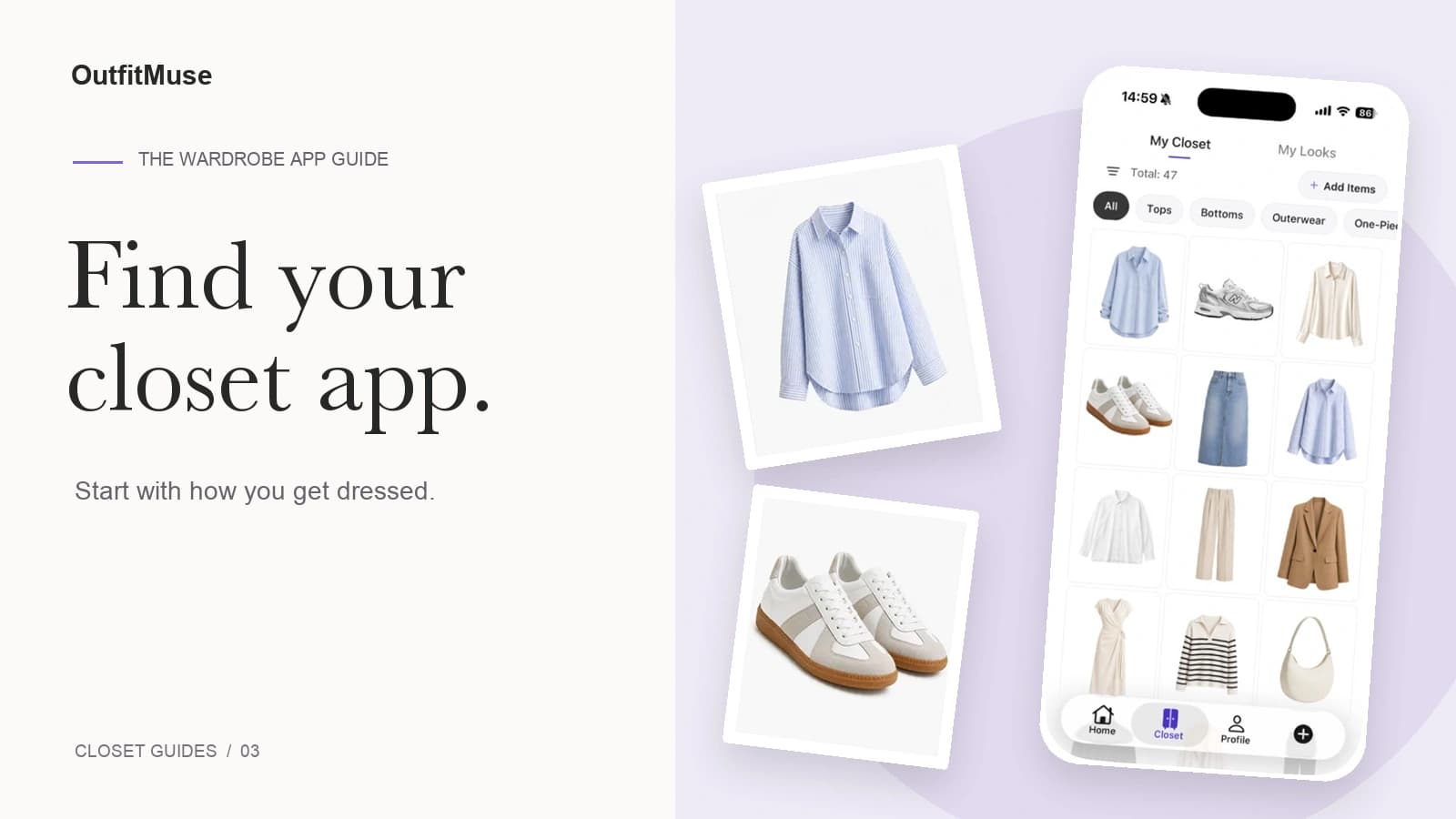
OutfitMuse's digital closet supports clothing photos, category browsing, and season and occasion filters. Its Style an Item workflow, entered from Home → Style Item, lets you choose one wardrobe item as the starting point for outfit ideas.
That makes these workflows relevant when you want to organize clothing photos and explore ways to wear a selected piece. The current item-styling flow may include suggested pieces outside your wardrobe, so it does not guarantee a complete outfit made only from clothes you own. A generated look also does not establish how a garment will fit or feel.
During our September 20, 2026 App walkthrough, we selected a light-blue shirt and observed an outfit result with an AI-generated styling explanation. Our single-item styling guide shows the captured suggestions and how to review them. That confirms the observed workflow, not that every companion item belonged to the account owner. We did not conduct a comparison against other apps or a real-world wear test.
OutfitMuse is available for iPhone on the App Store and Android on Google Play in supported regions. Check availability and support for your device and store region.
When assessing any app, keep your original task in view. A useful first result is being able to find the item you need, make a combination you want to wear, or understand a styling idea well enough to try it. Expand your digital wardrobe once that small task works for you.
The external product description was checked on September 20, 2026. Features and availability can change; consult the linked official page for current information.